A party game played across several phones at once

PieceRelay + PanicRelay

One app, two games. In PieceRelay everyone solves their own fragment of the same photo, then you lay the phones side by side on the table and the whole picture is revealed across every screen at once. PanicRelay turns the same room into a bomb relay: defuse it in time, then pass it on.

Join by QR or room code No account — start playing right away

Open testing on Google Play

You can play it right now

The game is available on Google Play through the open testing programme. You join with a single tap — no invitation, no code, no waiting list — and it installs exactly like any other app. Open testing means both games are already fully playable from start to finish while we keep polishing them, so if something goes wrong, please tell us.

Co-op mode

PieceRelay

The photo chosen by the host is cut into as many fragments as there are phones in the room. Everyone solves their own fragment on their own screen, then the whole group arranges the phones on the table into one large picture and reveals the finale: the full photo, a video, or a message spread across every screen.

How PieceRelay plays
Timed mode

PanicRelay

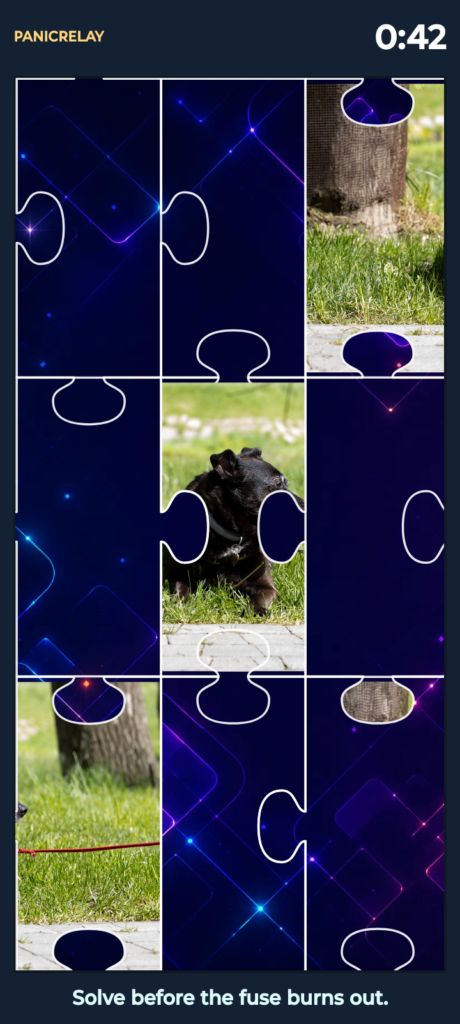
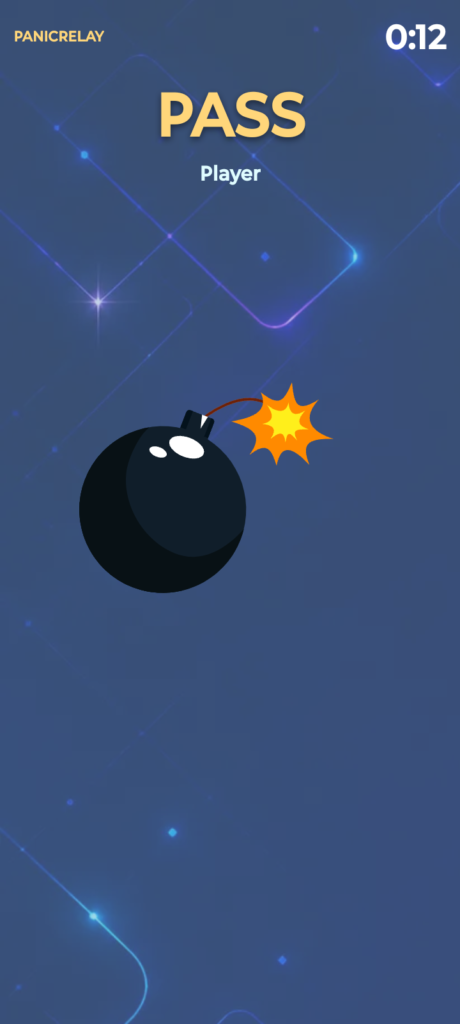
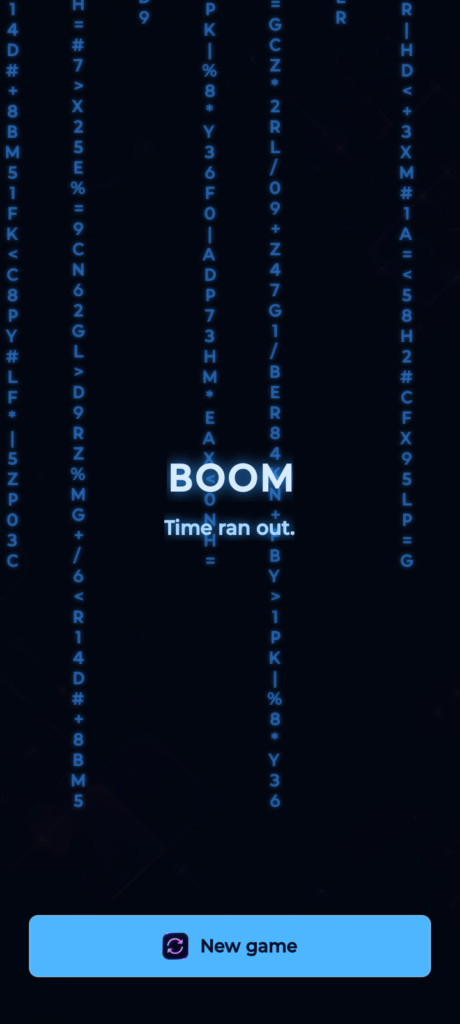
The bomb lands on one phone and the countdown starts. Before the fuse burns out, that player has to solve their puzzle and then drag the bomb with a finger onto the next phone. If anyone runs out of time, the screens explode and the round is lost.

How PanicRelay plays

Phones become one shared board

You need no board, no cards, and no extra equipment — just the phones already sitting on the table. The app works in English and Polish, needs no account, and the host decides how long a round lasts: anything from 10 seconds to 10 minutes.

The host opens a room

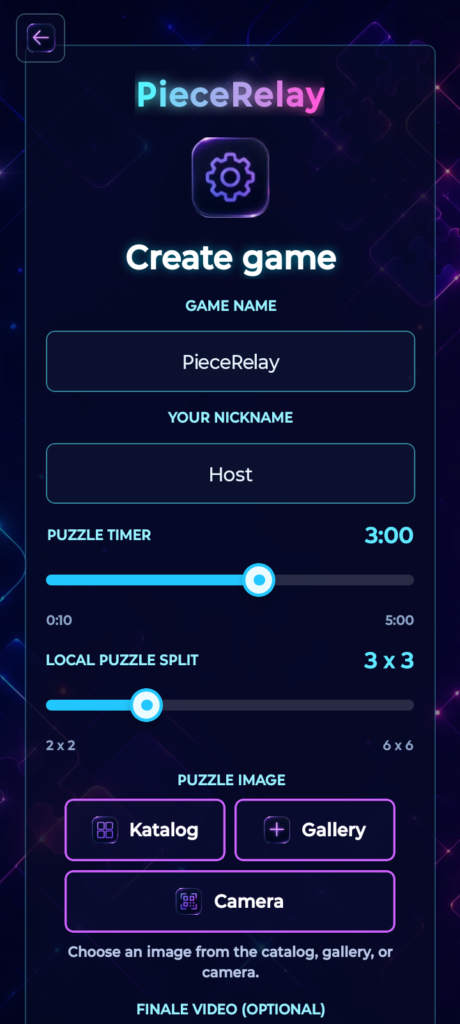
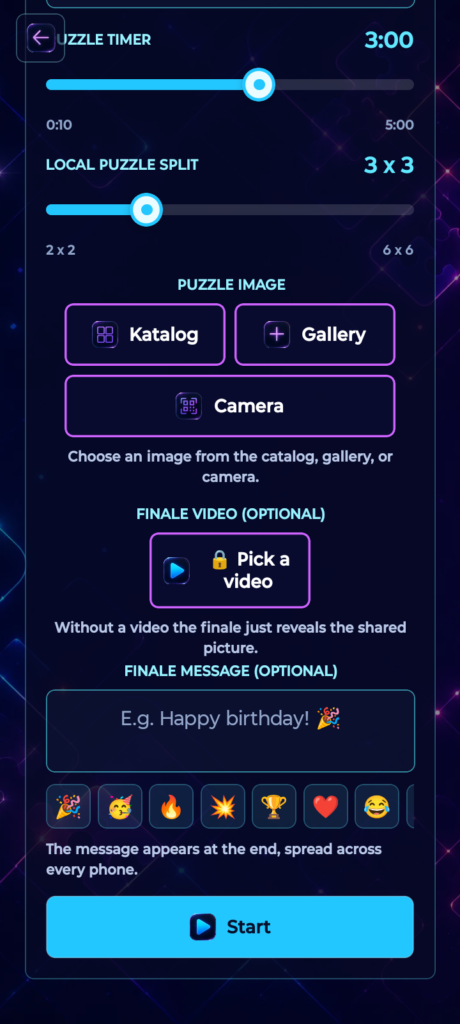
They enter a game name and a nickname, set the round time limit and the puzzle size on each phone — anywhere from 2 x 2 to 6 x 6 pieces. Finally they pick a photo: from the built-in catalog, from the phone gallery, or straight from the camera.

Players join in seconds

The host lobby shows a QR code that players simply scan. Anyone who prefers can type the six-character room code by hand instead. A single room holds up to 12 players.

Everyone solves their own fragment

The app splits the photo between the phones and gives each one a different piece, scaled to that screen. You rearrange the tiles by swapping them with your finger, with the countdown and your move count visible throughout the round.

A finale across every screen

Once the phones are in place, you confirm the touching edges by tapping arrows, and the device in the middle starts the finale. From then on every screen plays as one: the full photo, the host video, or a message stretched across the whole table.

What it is for

The game works best wherever a group is sitting around one table with fifteen minutes to spare. Below are the occasions it fits, along with what to use as the puzzle photo and what to show at the finale.

Birthdays

Use a photo of the birthday person as the puzzle and type your wishes into the finale message field. Once the phones reach the table, the birthday card reveals itself — instead of yet another chorus of Happy Birthday.

Hen and stag nights

A photo of the couple becomes the puzzle, teams race through several rounds, and a video you recorded earlier plays at the finale. A good way to get the evening going while people are still getting to know each other.

Company team building

Split the group into teams, use a photo from the last offsite, and set up a race over three rounds. The rules take a minute to explain, and to win, people have to push their phones together and actually talk to each other.

Holidays and family gatherings

An old family photo, several generations at one table, and shared wishes at the finale. It helps especially when part of the family only meets once a year and the small talk runs out fast.

Class reunions

An old class photo as the puzzle, and the graduation year or a class motto at the finale. The photo starts the stories by itself, and the evening is long enough for everyone to install the app.


Open a room and join

The host picks a photo and the round settings, while everyone else scans their QR code or types the room code. In team games each team gets its own code, so players land in the right team straight away.

Solve your fragments

Every phone receives a different piece of the photo and its own countdown. Players solve their fragments in parallel, and the app shows live who is already done and who you are still waiting for.

Assemble the picture and start the finale

The phones go on the table and you slide them around until the fragments line up. The host taps “Verify”, you tap the arrows on the touching edges, and the device in the middle launches the shared finale.

How a PanicRelay round works

PanicRelay uses the same online rooms as PieceRelay, but swaps the calm assembly of a picture for a bomb relay. You can play as a single group or set it up as a race between teams.

The host arms the bomb

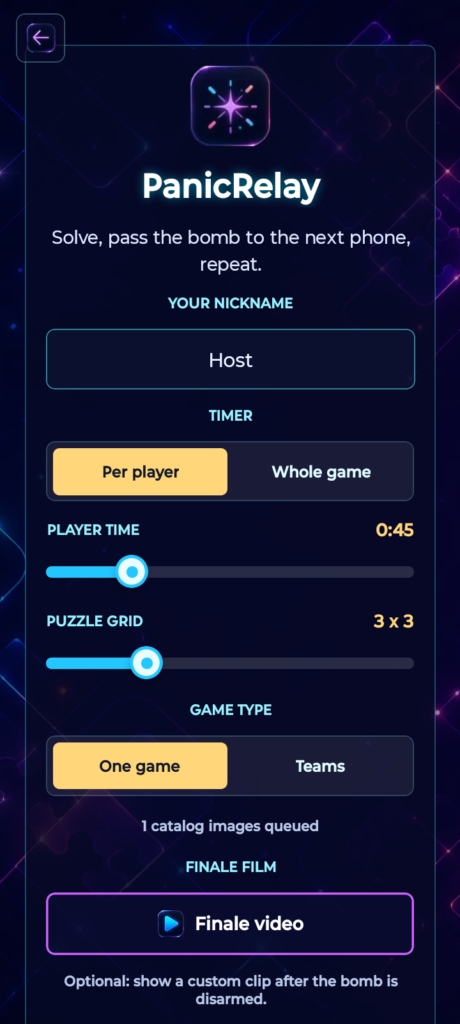
Before the start they choose the puzzle size and how time is counted: a separate limit for each player, or one shared pool for the whole group. They can also switch on teams and attach a video that plays once the bomb is defused.

The bomb lands on one phone

A bomb with a burning fuse appears on the active player's screen, and moments later gives way to the puzzle. Everyone else sees “STAND BY” on their phone and counts down along with them.

Pass the bomb on

Once the fragment is solved, put the two phones edge to edge. The player holding the bomb slides it off their screen with a finger, and the receiver pulls it in from their own edge — the bomb literally moves from hand to hand.

Defused or detonated

If everyone makes it in time, the bomb is defused and each phone shows one part of the final code — arrange the phones so the code reads from left to right. If anyone runs out of time, the screens explode. In team games the round goes to the team that defuses first.

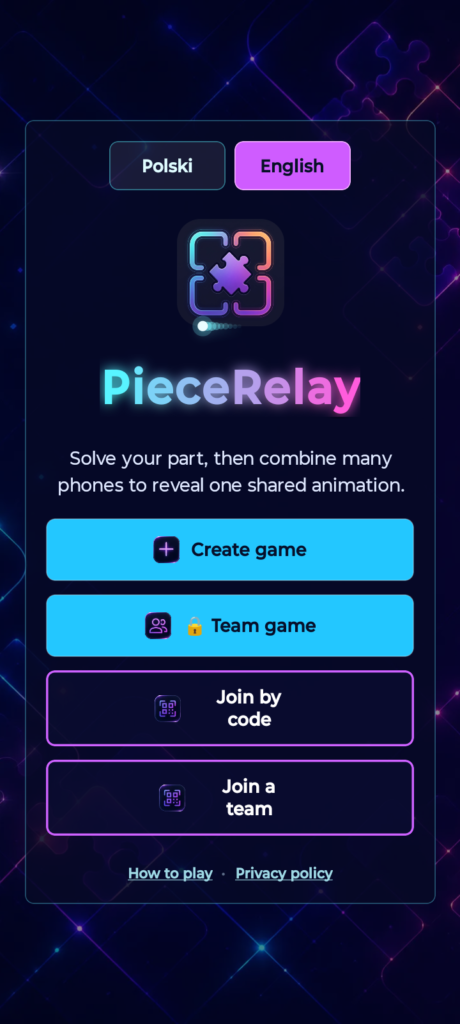
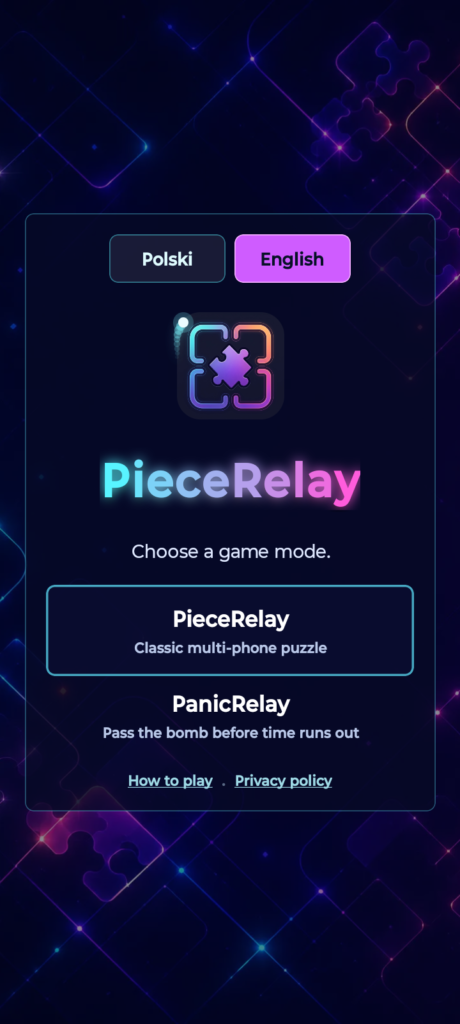
App start screen
Game settings: timer, grid, and photo
Solving your own fragment
Shared finale on the assembled phones
PanicRelay menu
Arming the bomb and setting the timer
The puzzle with a burning fuse
Bomb handoff and finale